Best Descript Alternatives in 2026: 8 Tools by What You Need
Looking for a Descript alternative? What Descript does best, its plans checked October 2026, and 8 options for editing, transcription only or free local use.
Also available in: Русский, Українська, Dansk, Deutsch, Español, Français, Italiano, Magyar, Nederlands, Norsk bokmål, Polski, Português (Brasil), Suomi, Svenska, Türkçe, Ελληνικά, עברית, العربية, 한국어, 日本語, 中文(中国), 中文(台灣), Indonesia, Tiếng Việt
The best Descript alternative depends on which part of Descript you actually use. If you edit video or podcasts by editing text, look at Riverside, CapCut or Adobe Premiere Pro's text-based editing; if you mostly use Descript to get transcripts, a transcription service such as Audiotexta, TurboScribe, Sonix or Happy Scribe is simpler and often cheaper; and if you want something free and private, a Whisper app on your own computer does the transcription part offline.
Below: what Descript is genuinely good at, its current plans (checked on descript.com on 18 October 2026), the usual reasons people switch, a comparison table, and a fair note on each alternative, including where Descript is still the better pick.
What Descript is best at
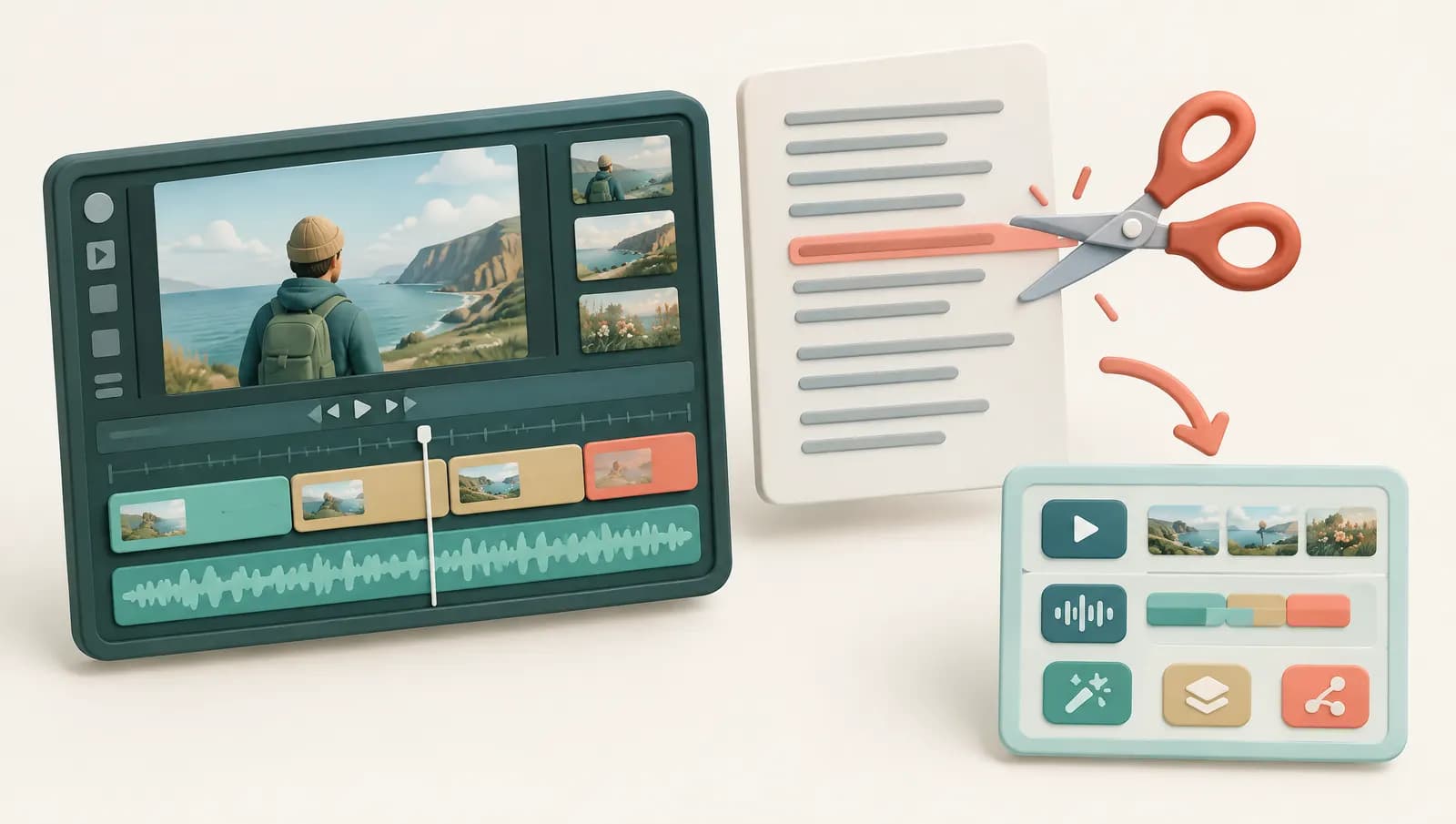
Descript made one idea popular: edit audio and video by editing the transcript. You import or record a file, Descript transcribes it, and deleting a sentence in the text cuts it from the media. For talking-head videos, interviews and podcasts, that is far faster than scrubbing a timeline.
Around that core, Descript offers:
- Multitrack podcast and video editing, screen recording and remote recording.
- Filler word and silence removal with one click.
- Studio Sound, which reduces noise and echo on voice recordings.
- AI voice cloning, long known as Overdub, to fix a misspoken word by typing it.
- Underlord, an AI assistant that runs editing tasks such as removing retakes, drafting show notes or cutting social clips.
If you use most of these, Descript is hard to replace with a single tool. An alternative makes sense when you only use one slice of it.
Descript pricing and free plan (checked October 2026)
According to Descript's pricing page on 18 October 2026, prices in US dollars per person:
| Plan | Billed yearly | Billed monthly | Media hours per month | AI credits | Max export |
|---|---|---|---|---|---|
| Free | $0 | $0 | 1 hour | 100, one-time | 720p, watermark |
| Hobbyist | $16/mo | $24/mo | 10 hours | 400/month | 1080p |
| Creator | $24/mo | $35/mo | 30 hours | 800/month | 4K |
| Business | $50/mo | $65/mo | 40 hours | 1,500/month | 4K |
Enterprise is priced on request. The page lists 25 transcription languages on all plans. AI features such as Underlord and Studio Sound draw on the AI credit balance, which is metered separately from media hours. Descript has changed its plan structure before, so check descript.com/pricing for current figures.
Why people look for a Descript alternative
Users who switch tend to give one of four reasons.
Price for what you use
Ten hours of media for $16 a month is fair if you edit. If you only want transcripts, you pay for an editor you never open, and the credit system means heavy AI use can push you into a higher plan.
Complexity
Descript is a full production app. For someone who wants to upload an interview and get text back, the project model, tracks and compositions are more than they need.
Only transcripts, subtitles or notes
Many people use Descript as a transcription tool with a nice editor. Dedicated transcription services are built for that job, with longer files, more export formats and summaries.
Language support
Twenty-five transcription languages covers the major European and Asian ones, but teams working in less widely supported languages should check Descript's list first; dedicated transcription services often list around 100.
Descript alternatives compared (prices checked October 2026)
| Tool | Best for | Text-based editing | Paid price from | Free option | Languages |
|---|---|---|---|---|---|
| Descript (for reference) | All-in-one editing | Yes | $16/mo yearly | 1 hour/mo, watermark | 25 |
| Riverside | Remote podcast and video recording | Yes | $24/mo yearly, $29 monthly | 2 hours one-off, watermark | Check vendor |
| CapCut | Short social videos | Yes, on desktop | Varies by region and platform | Free tier | Check vendor |
| Adobe Premiere Pro | Professional video editing | Yes | $22.99/mo with annual plan (US) | Trial | 18 |
| Audiotexta | Transcripts, summaries, translation | No, not an editor | €8.40/mo yearly, €12 monthly; €50 for 10 hours | 120 min/mo, no account | 98+ |
| TurboScribe | Very high transcription volume | No | $10/mo yearly, $20 monthly | 3 files a day, 30 min each | 98+ |
| Sonix | Transcript editing and teams | No media cutting | $10/hour pay as you go | 30 free minutes | 54+ |
| Happy Scribe | Subtitles, human proofreading | No | $8.50/mo yearly, $17 monthly | Short trial | 150+ |
| Whisper apps (Buzz, MacWhisper) | Free, offline transcription | No | Buzz free; MacWhisper Pro one-time fee | Free | About 99 |
Prices come from the vendors' pages on 17–18 October 2026. Riverside's and CapCut's plans in particular vary by region and change often, so confirm before you buy.
Alternatives for editing video and podcasts
Riverside
Riverside is the closest match if you record remote guests. It records each participant locally in high quality and then lets you edit with the transcript, create short clips and export. The free plan includes two hours of separate-track recording as a one-off, 720p video and a watermark; Pro unlocks text-based editing without limits. Where Descript is stronger: deeper editing, Studio Sound and voice cloning in one app.
CapCut
CapCut is a popular free editor for short social videos, with templates, effects and auto-captions. The desktop app has transcript-based editing that lets you delete words or filler words to cut the clip, according to CapCut's own guides. It suits creators making TikTok, Reels or Shorts. Pro pricing differs between mobile, desktop and region, and some features move between the free and paid tiers, so check inside the app. It is less suited to long podcasts.
Adobe Premiere Pro
Premiere Pro's Text-Based Editing transcribes your sequence, and you can select sentences in the transcript to cut or rearrange the edit. It is included in the Premiere subscription, and Adobe lists speech to text in 18 languages. It is the right choice if you already edit professionally or need colour, effects and multicam. The trade-off is a steep learning curve and a higher price than tools built only around transcripts.
Alternatives if you only need transcripts
To be clear: the tools in this section are not video editors. You get text, subtitles and summaries, not a cut video.
Audiotexta
Audiotexta transcribes uploads, links (YouTube and others) and microphone recordings in 98+ languages, with speaker labels, timestamps and an editor that highlights words during playback. Paid plans add AI summaries, chapters, action items, translation into 50+ languages and DOCX, PDF, CSV and JSON exports, alongside TXT, SRT and VTT. User content is not used for model training.
The free plan needs no account and covers files up to 30 minutes and 120 minutes a month. Pro is €12 a month (€8.40 billed yearly) for 50 hours, and a €50 credit pack gives 10 hours with no subscription and no expiry; see pricing. Where Descript is better: anything that involves cutting the media, Studio Sound or voice cloning. Audiotexta cannot do any of that.
TurboScribe
TurboScribe is built on Whisper and sells one flat Unlimited plan: $10 a month yearly or $20 monthly, files up to 10 hours. The free tier gives three files a day, up to 30 minutes each. It is hard to beat on price for large backlogs. Our TurboScribe alternative guide covers its trade-offs.
Sonix
Sonix has a polished transcript editor, team workspaces and many export formats in 54+ languages, at $10 an hour pay as you go or via subscription. It suits media teams who edit transcripts heavily but cut video elsewhere.
Happy Scribe
Happy Scribe covers 150+ languages and dialects, subtitle styling and optional human proofreading, which matters when a transcript has to be checked by a person. Plans include a set number of minutes per month.
Free and local: Whisper apps
If you want a free Descript alternative for transcription and your files must not leave your computer, use an app built on OpenAI's open-source Whisper model. Buzz is free and open source for Windows, macOS and Linux; MacWhisper is a Mac app with a free version and a paid Pro upgrade. Both are good on clear audio. Speed depends on your hardware, and speaker labels, summaries and collaboration are limited or absent. For the bigger picture, see Whisper vs cloud speech APIs.
Which Descript alternative should you choose?
- You record remote interviews and edit them: Riverside.
- You make short social clips: CapCut.
- You edit video professionally: Premiere Pro with Text-Based Editing.
- You only need transcripts, subtitles or show notes: Audiotexta for summaries and translation; TurboScribe for very high volume at one price; Sonix for team transcript editing; Happy Scribe for many languages and human checking.
- You want free and offline: Buzz or MacWhisper.
- You use filler removal, Studio Sound, voice cloning and editing together: stay with Descript; no single alternative here covers all of it.
Many podcasters end up combining tools: they record and cut in an editor, then run the final file through a transcription service for show notes and subtitles. Our guide to podcast transcription and show notes shows that workflow, and our roundup of the best transcription software compares more transcription-only options. Whatever you choose, test it on one of your own recordings before you pay.
Frequently asked questions
Is there a free Descript alternative?
Yes, depending on the job. CapCut has a free tier with transcript-based editing on desktop, Riverside has a free plan with watermarked exports, TurboScribe and Audiotexta have free transcription tiers, and Whisper apps such as Buzz are free and run on your own computer.
How much does Descript cost?
On Descript's pricing page in October 2026, Hobbyist costs $16 a month billed yearly or $24 monthly, Creator $24 or $35, and Business $50 or $65. The free plan includes 60 media minutes a month, 100 one-time AI credits and 720p exports with a watermark.
What is the best Descript alternative for podcasts?
If you record remote guests, Riverside is the closest match because it records each participant locally and adds text-based editing. If you edit in a traditional editor, Premiere Pro's text-based editing works well. If you only need transcripts and show notes, a transcription service is cheaper and simpler.
Is Audiotexta a Descript alternative?
Only if you use Descript for transcripts. Audiotexta is a transcription service, not a video or audio editor: it gives you an editable transcript with speakers, timestamps, summaries and subtitle files, but you cannot cut video or audio in it.
Which Descript alternative supports the most languages?
Among the tools in this guide, Happy Scribe lists 150 or more languages and dialects, while TurboScribe and Audiotexta list 98 or more. Descript lists 25 transcription languages on its pricing page, and Adobe lists 18 for Premiere's speech to text.
Try Audiotexta free
Upload a file or paste a link and get a transcript in minutes.