What Does Transcribe Mean? Definition, Types and Examples
What does transcribe mean? A plain definition, verbatim vs clean verbatim, how transcription differs from translation and captioning, and how it is done today.
Also available in: Русский, Українська, Dansk, Deutsch, Español, Français, Italiano, Magyar, Nederlands, Norsk bokmål, Polski, Português (Brasil), Suomi, Svenska, Türkçe, Ελληνικά, עברית, العربية, 한국어, 日本語, 中文(中国), 中文(台灣), Indonesia, Tiếng Việt
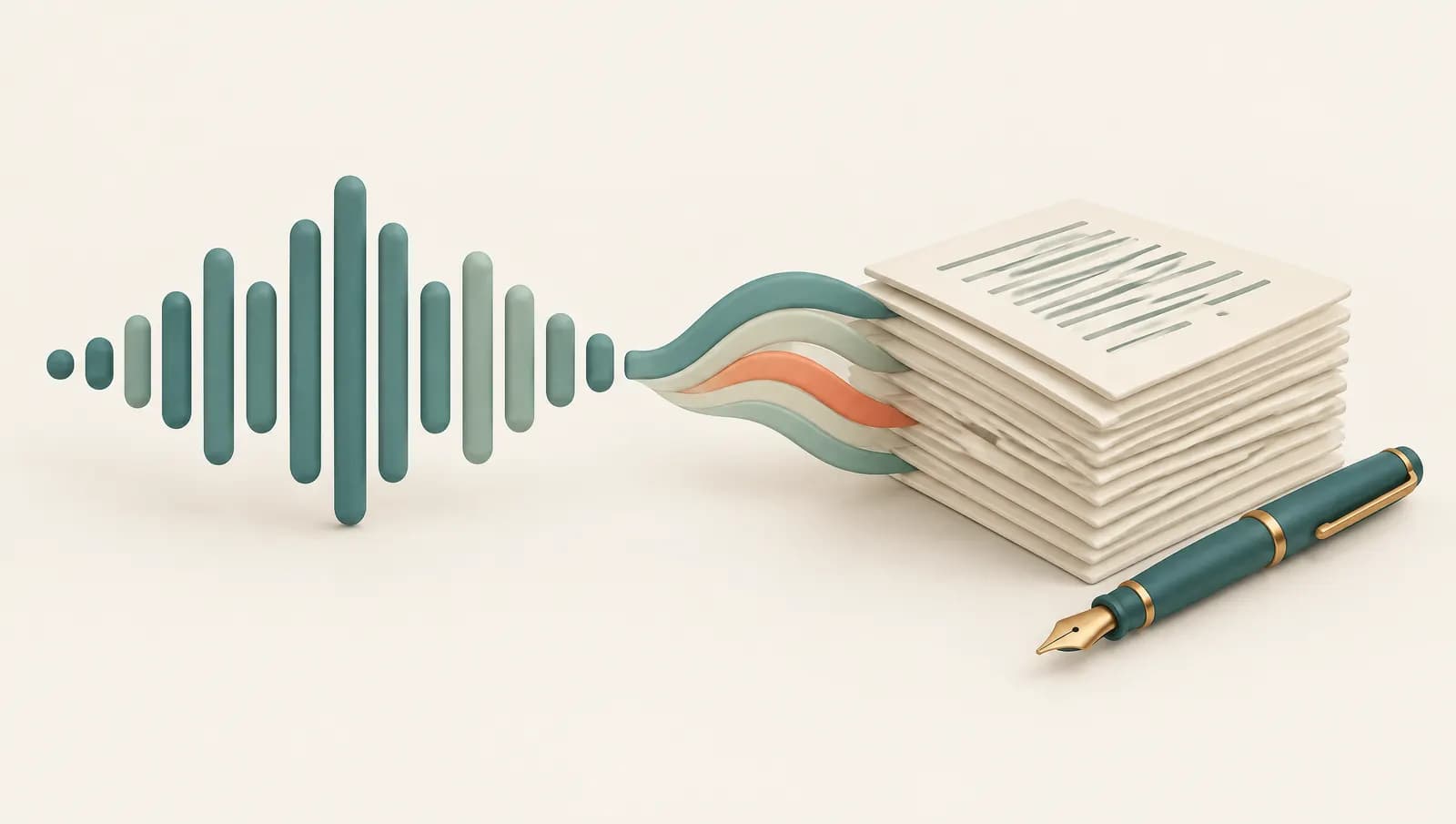
To transcribe means to write down spoken or recorded words as text, in the same language they were spoken in. When you turn an interview, a meeting recording or a voice message into a typed document, you are transcribing it, and the document you end up with is a transcript. The rest of this article covers the different meanings of the word, the main types of transcription, how it differs from translation and captioning, and how it is done today.
What "transcribe" means in everyday use
The word comes from the Latin transcribere, "to write across" or "to copy". In everyday English it has a few closely related senses:
- Writing down speech. The most common meaning today: listening to audio and producing text. "Can you transcribe the call for the minutes?"
- Copying text from one form to another. Historically, scribes transcribed manuscripts by hand. Archivists still transcribe old letters and handwritten records into typed text.
- Converting between writing systems. Linguists transcribe speech into phonetic symbols (the IPA), and names can be transcribed from one script to another.
- Arranging music. A musician transcribes a piece by writing down a melody heard on a recording, or adapting a piece for a different instrument.
All of them share one idea: the content stays the same, only the form changes.
What is text transcription of audio and video?
In business, research and media, transcription almost always means turning audio or video into text. The source can be anything with speech in it: a podcast, a lecture, a court hearing, a doctor's dictation, a YouTube video, a WhatsApp voice note. The output is a transcript, often with timestamps (when each sentence was said) and speaker labels (who said it).
A brief note on biology: if you met the word in a science class, transcription there means the process by which a cell copies a section of DNA into RNA, the first step in making a protein. It is the same "copying" idea applied to genetic code, but it is a separate topic; a biology textbook or a resource such as the U.S. National Human Genome Research Institute's glossary is the right place for it. This article is about speech.
Types of transcription: verbatim, clean verbatim and edited
Not all transcripts write down the same things. Before you transcribe, or hire someone to, decide which style you need.
Verbatim (true verbatim). Every word and sound as spoken: "um", "uh", false starts, repetitions, stutters, laughter, pauses and interruptions. Used where how something was said matters, such as legal proceedings, police interviews, linguistic research and some qualitative research.
Clean verbatim (intelligent verbatim). The speaker's words, with filler words, stutters and false starts removed, and light grammar fixes where the meaning is obvious. This is the default for most interviews, meetings, podcasts and journalism, because it reads naturally while staying faithful.
Edited transcription. The content is tidied into readable prose: sentences restructured, repetition cut, sometimes shortened. Used for articles, blog posts, reports and published Q&As, where readability matters more than exact wording.
A quick way to choose:
- Will anyone analyse hesitation, tone or exact phrasing? Choose verbatim.
- Will people read it to understand what was said? Choose clean verbatim.
- Will it be published as a polished piece? Start with clean verbatim, then edit.
Our interview transcription guide goes into these choices for research and journalism, including how to mark pauses and inaudible passages.
Transcription vs translation vs captioning vs dictation
These four terms are often mixed up. The difference is in what goes in, what comes out, and whether the language changes.
| Input | Output | Language changes? | Typical use | |
|---|---|---|---|---|
| Transcription | Recorded or live speech | Text document (transcript) | No | Interviews, meetings, lectures, research |
| Translation | Text or speech in language A | Text or speech in language B | Yes | Documents, subtitles for foreign audiences |
| Captioning | Speech in a video | Timed text on screen (SRT, VTT) | No (subtitles may translate) | Accessibility, social video, courses |
| Dictation | Your own live speech | Text typed as you talk | No | Writing messages, emails, notes by voice |
In practice they overlap. Captions are a transcript split into timed chunks. Translated subtitles are usually made by transcribing first and translating the transcript. Dictation is live transcription of one person who knows they are being typed.
How transcription is done today
For most of history, transcription was manual: a person listened, paused, rewound and typed. Professional transcriptionists still do this for court records, medical files and difficult audio, often with a foot pedal to control playback. It is accurate but slow, and an hour of audio can take several hours of work.
Today most transcription starts with automatic speech recognition. A model converts the audio into short frames, recognises the sounds and words, uses language context to pick the likely sentence, then adds punctuation, timestamps and speaker labels. If you want the process step by step, our explainer on how speech to text works covers it without the maths.
The usual modern workflow is a hybrid: the machine produces a draft in minutes, and a person reviews it against the audio and fixes names, numbers and technical terms. On a clear recording the draft needs light editing; on a noisy group call it needs more.
When people transcribe
Transcription is useful whenever spoken content needs to be searched, quoted, read or archived:
- Interviews, for journalism, user research and academic studies, where you need to quote accurately and code themes.
- Meetings, to produce minutes, action items and a record for people who missed them.
- Lectures and webinars, for study notes and accessibility.
- Podcasts and video, for show notes, subtitles and search visibility.
- Legal, for depositions, hearings and evidence, usually in strict verbatim.
- Medical, where clinicians dictate notes that are transcribed into patient records, typically under strict data protection rules.
- Personal, for voice memos, voice messages and recorded calls you would rather read than replay.
How to transcribe a file in three steps
If you have a recording and want the text, the quickest route is an automatic tool. With Audiotexta it works like this:
- Upload. Open the Audiotexta app and drop in an audio or video file (MP3, M4A, WAV, MP4 and others) from your computer or phone.
- Choose settings. Set the spoken language or leave auto-detect on, and turn on speaker labels if more than one person talks.
- Review and export. Read the transcript while the audio plays, fix anything the model misheard, then export it as TXT or subtitles (free), or as DOCX or PDF on Pro.
Alternatives are worth knowing too: some versions of Microsoft Word include a Transcribe feature and Google Docs has voice typing, Otter and TurboScribe are popular online services, and the open-source Whisper model can run on your own computer for free if you are comfortable with some setup. For a fuller comparison of free and paid routes, see our guide on how to transcribe audio to text.
Whichever tool you use, the definition stays the same: transcription keeps the words and the language, and changes only the form, from sound to text you can read, search and share.
Frequently asked questions
What does transcribe mean in simple words?
To transcribe means to write down exactly what was said or written somewhere else, in the same language. Turning a recorded interview into a typed document is transcribing it.
Is transcribing the same as translating?
No. Transcription keeps the original language and changes speech into text; translation changes the language. You can do both, usually by transcribing first and translating the transcript.
What is the difference between transcribe and transcript?
Transcribe is the verb, the act of writing speech down. A transcript is the result, the written document. Transcription can mean either the process or the finished text.
How long does it take to transcribe one hour of audio?
By hand, an experienced typist often needs several hours for one hour of clear audio, and much longer for noisy or multi-speaker recordings. Automatic transcription takes minutes, plus time to review and correct.
Can I transcribe audio for free?
Yes. Phones and computers include free dictation, and many transcription services, including Audiotexta, offer a free allowance for short files. Long or frequent recordings usually need a paid plan.
Try Audiotexta free
Upload a file or paste a link and get a transcript in minutes.